Free to use. No Concert Ready account.
Search for a show, explore the bands and build a playlist without registering. Connect Spotify or Apple Music when you want to save it.
Your night starts here
Find your concert. Get the lineup, likely setlists, and a playlist for the night.
Choose the right date and venue.
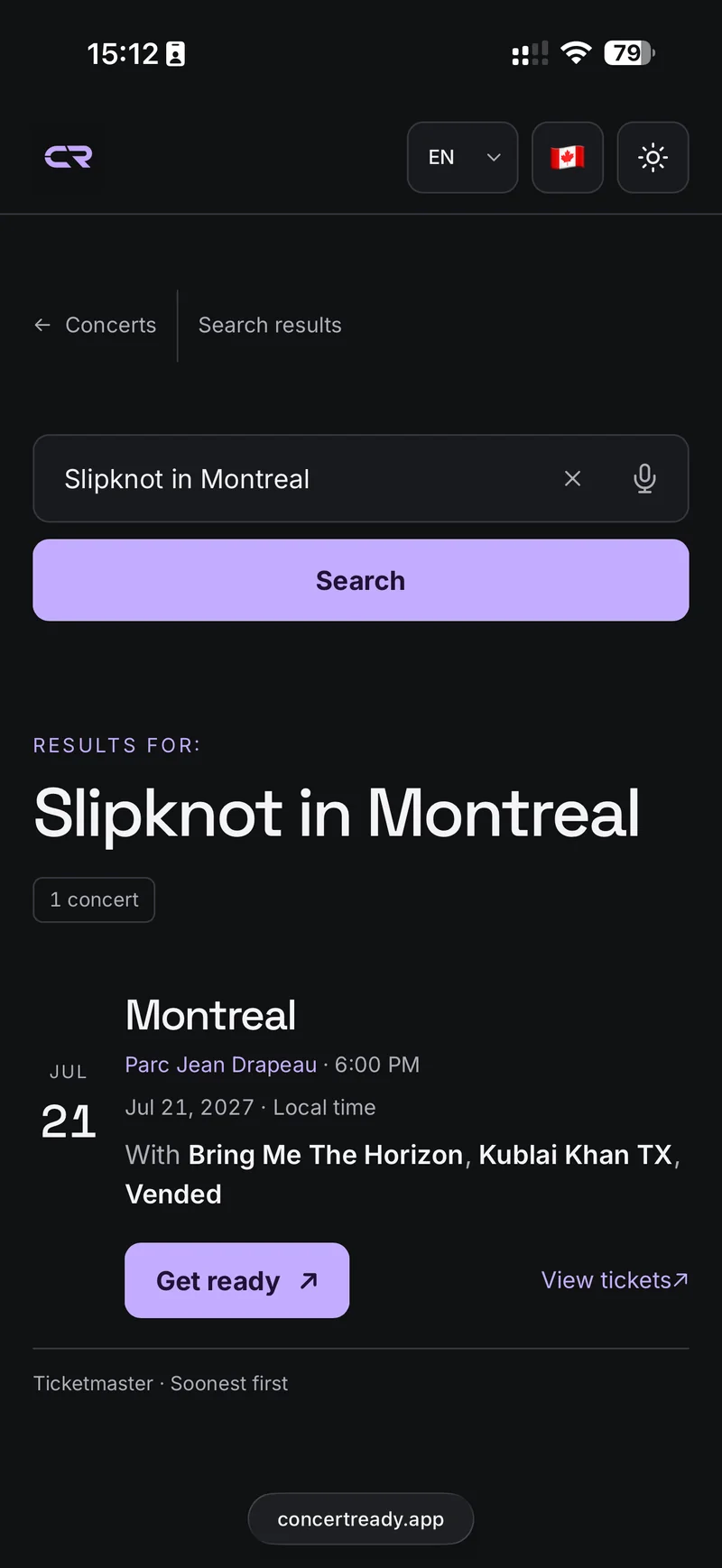
Explore the artists and save a playlist.
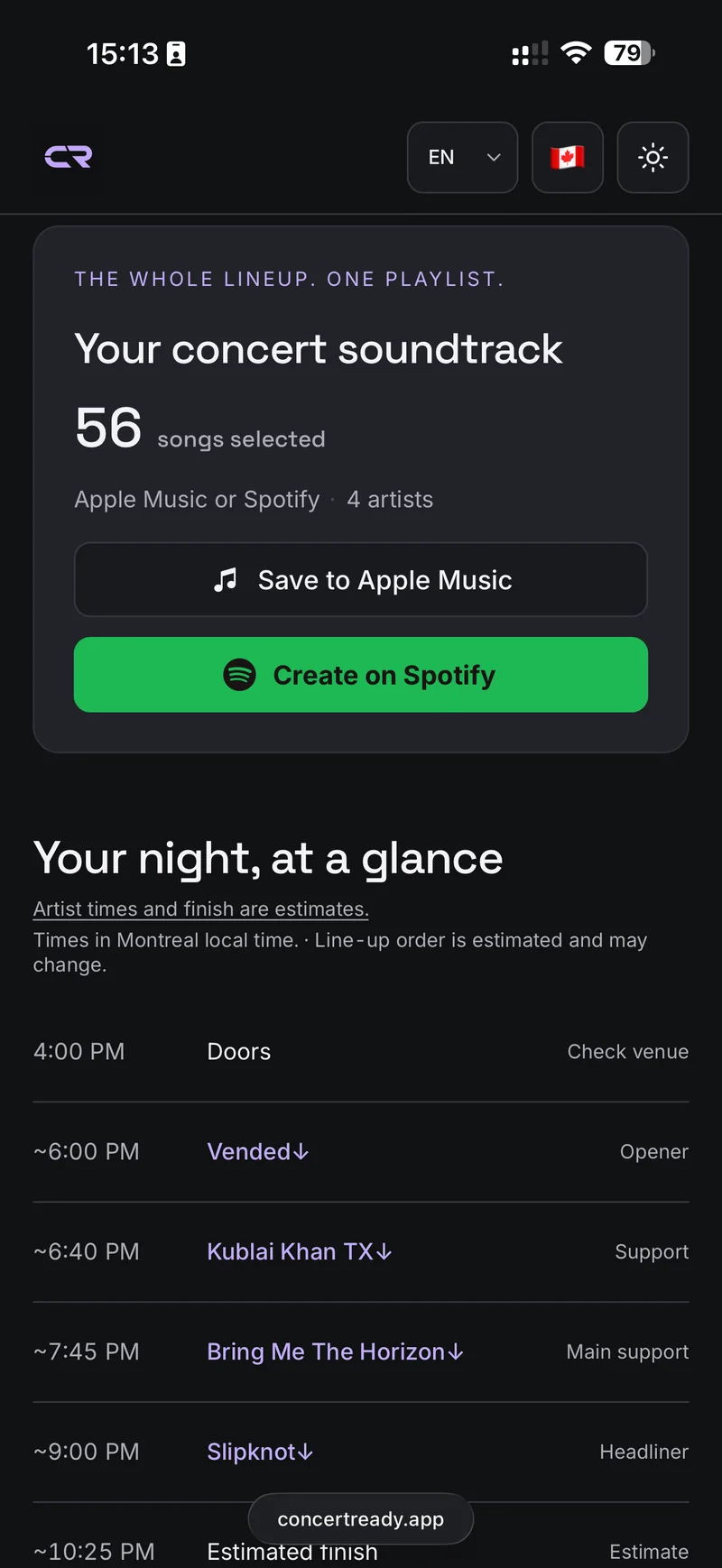
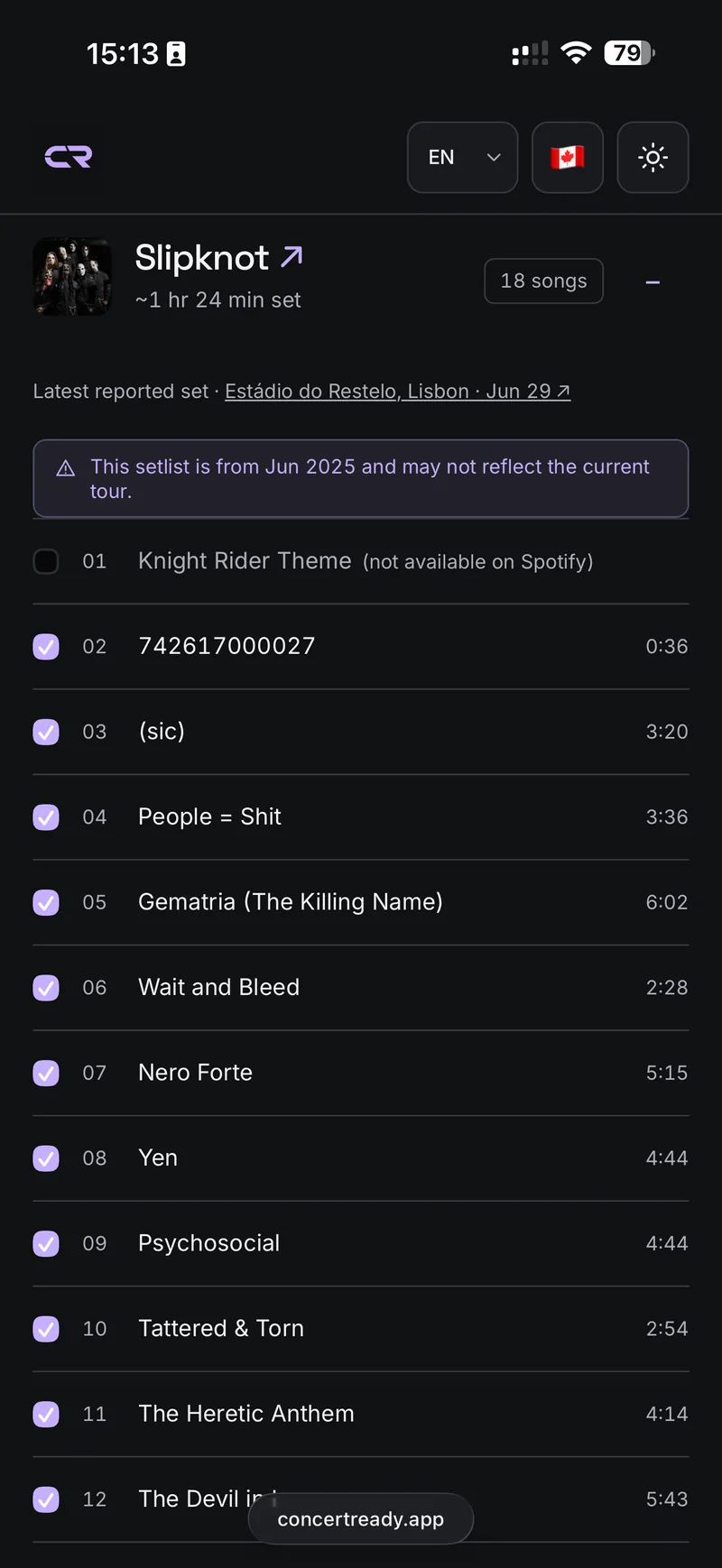
Discover all the songs you're likely to hear from all the artists.
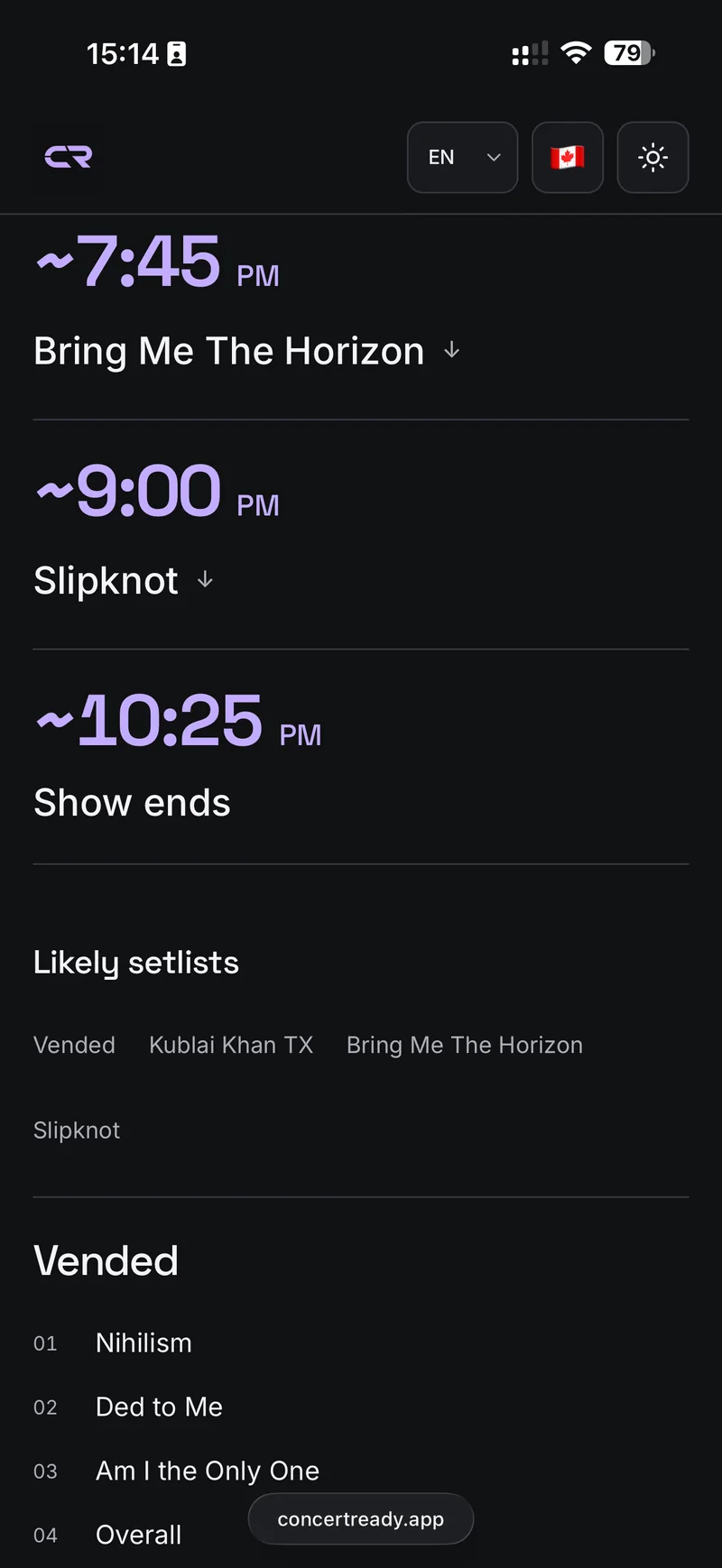
Keep the schedule close in Concert Mode.
I used to make these playlists by hand before every show. Concert Ready puts the lineup and the songs in one place, so you can spend more time listening.
Search for a show, explore the bands and build a playlist without registering. Connect Spotify or Apple Music when you want to save it.
Events come from Ticketmaster. Song choices use recent usable setlists reported by fans on setlist.fm. They are a guide to what you might hear, not a promise.
Get to know the support acts as well as the headliner. Bring their songs together without making a separate playlist for every band.
Find a new favourite in the opening band, recognise a chorus and arrive with a better idea of the night ahead.
Yes. Concert Ready is free and does not require its own account. Saving a playlist requires connecting your Spotify or Apple Music account; Apple Music requires an active subscription.
No. Likely songs are based on recent reported shows, and artists can change their setlists. Some times are estimates. Check the venue or ticket provider for confirmed details.
Concert search depends on Ticketmaster coverage, and some artists do not have enough recent setlist.fm reports. A missing show or song list does not mean the concert is cancelled.
Pick an artist. Turn recent setlists into a playlist.
Concert memories
Turn the concerts that stayed with you into a poster. Three or six gigs, your words, your style.