Setlist → playlist
Bring the live set
back with you.
Find an artist’s recent setlists. Make them yours on Apple Music or Spotify.
Make a playlist from the songs played live.
Concert Ready uses setlist.fm reports to help you choose live songs and save a playlist on Apple Music or Spotify. Search an artist, review likely songs from comparable recent shows, or choose one reported night.
It’s free, and you don’t need a Concert Ready account. You can browse and choose songs before connecting your music service. No upcoming concert or Ticketmaster listing is needed.
How to turn a setlist into a playlist
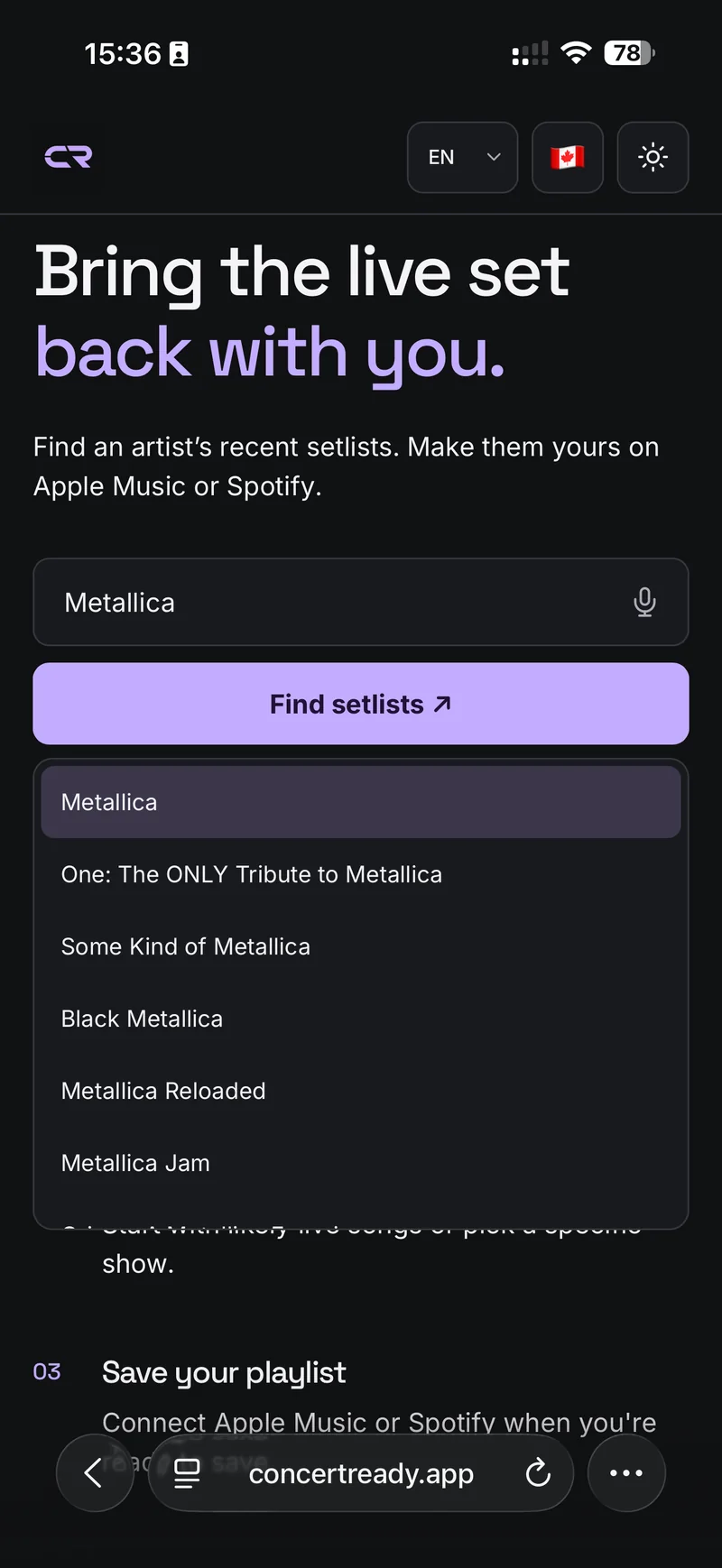
Find your artist
Search by name and choose the right artist.
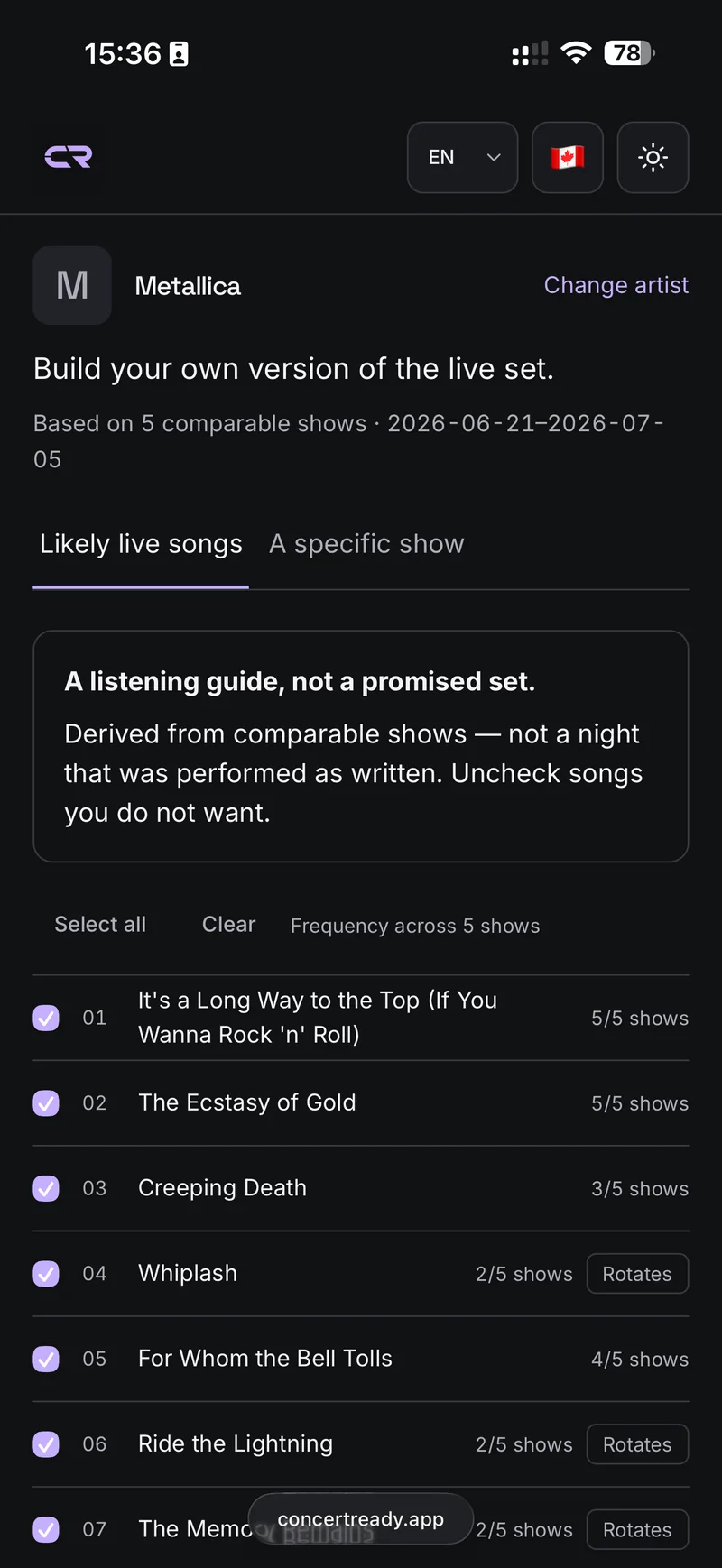
Choose your songs
Start with likely live songs or pick a specific show.
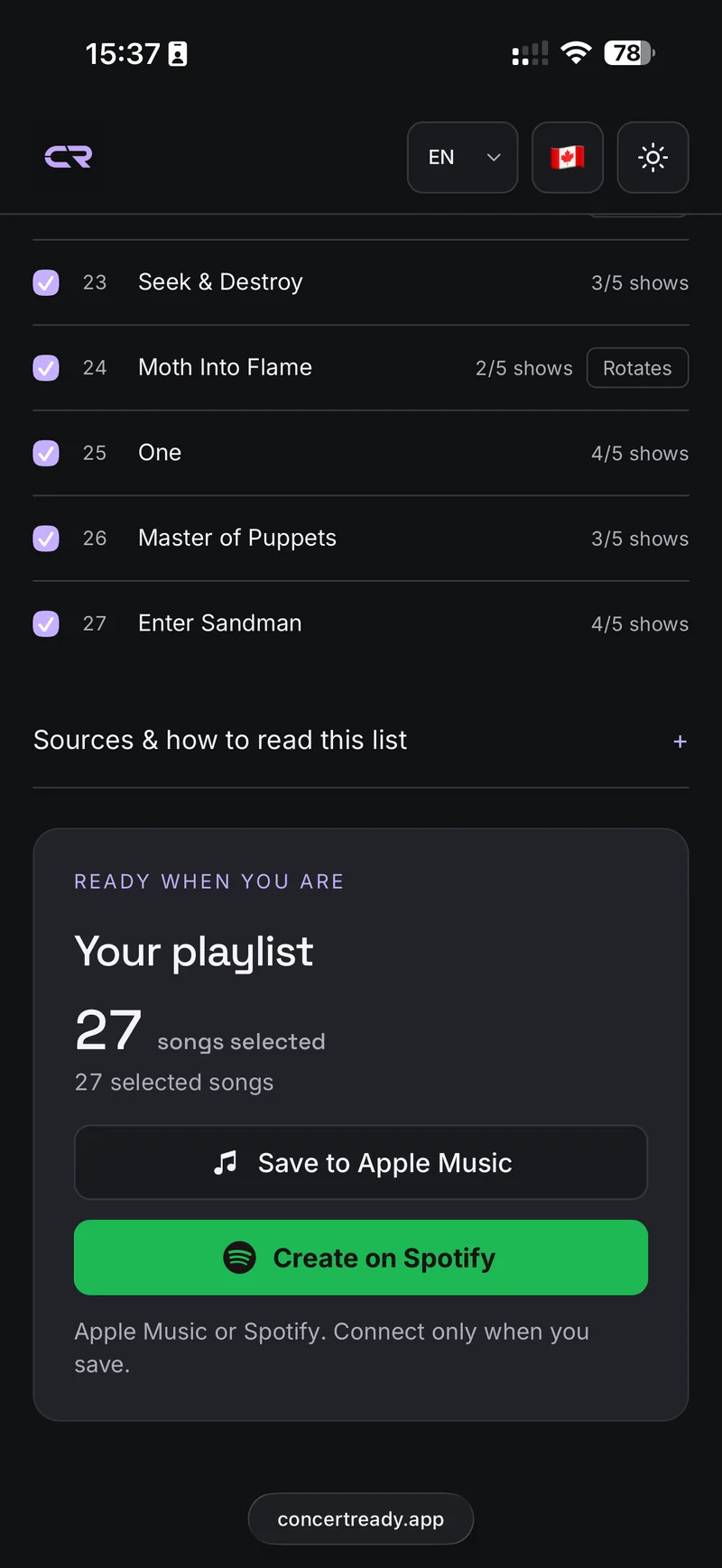
Save your playlist
Connect Apple Music or Spotify when you're ready to save.
A few things to know
Which setlist will I get?
Choose likely live songs based on comparable recent shows, or select a specific reported show. A likely playlist is an estimate, not a performed set.
Where is my playlist saved?
Create a Spotify playlist or add a playlist to your Apple Music library. You connect only when ready to save.
Is the setlist converter free?
Yes. Concert Ready does not charge to create playlists. Listening uses your own music service account and its subscription rules.
Do I need to register or sign in?
You don’t need a Concert Ready account. To save, connect Spotify or Apple Music. Saving to your Apple Music library requires an Apple Music subscription.
Will these be the songs played at my next show?
Not necessarily. setlist.fm reports describe past performances, and songs can change between shows. Concert Ready looks for usable recent reports; the newest report may be incomplete. Smaller artists may have no usable setlist, and some songs may not match your music service catalog.
Can I prepare for a whole concert instead?
Yes. Find your concert on the homepage to see the announced lineup, likely setlists and an estimated schedule. You can put the artists you want into one playlist for the night.